G-Spot Lab logo
G-Spot Lab
Shader toolkits & ready-to-use VFX
Unity URP · Unreal Engine · Modular by design

Build the effect. Keep control.

G-Spot Lab creates focused shader toolkits: reusable Sub Graphs and Material Functions for building, customizing and combining core VFX mechanics.

Prefer a finished result? Ready-to-use shader, material and texture packs remain available as the faster path from import to scene.

Library in developmentUnity + Unreal

One compatible coordinate pipeline

→
FlowDirectional coordinate motion
Toolkit 01
∿
WaveControlled wave deformation
Toolkit 02
◉
DistortionScalar and vector displacement
Toolkit 03

Use one mechanic alone, or connect them in the order your material needs.
Shader Toolkit Library

Focused mechanics. Built to combine.

Each toolkit is an engineering kit for one fundamental shader behavior—not a collection of locked final effects.

In development01

Flow Toolkit

Build directional UV and coordinate motion, controlled flows and layered movement with reusable components.

Build Your OwnReady-to-Use examples
Unity plannedFab planned
In development02

Wave Toolkit

Create readable wave deformation with explicit controls and predictable behavior in larger coordinate chains.

Build Your OwnReady-to-Use examples
Unity plannedFab planned
In development03

Distortion Toolkit

Apply scalar and vector-driven coordinate displacement for heat, energy, refraction-style and procedural effects.

Build Your OwnReady-to-Use examples
Unity plannedFab planned
Choose your workflow

Build it—or use it.

Two product layers serve different jobs without forcing every developer into the same workflow.

Build Your Own

Shader Toolkits

Atomic, reusable shader building blocks with clear inputs, outputs and shared conventions.

◆
Unity Sub Graphs and Unreal Material Functions
◆
Ready-to-use example materials for practical starting points
◆
Designed for composition, extension and project-specific control
Ready to Use

VFX Packs

Finished shaders, materials and textures for developers who need a working visual result quickly.

✦
Import, tune and place in a scene
✦
Stylized energy, fire, lava and animated surfaces
✦
Available now through Unity Asset Store and Fab
Composition first

The order is part of the design.

Toolkits share a compatible coordinate and data pipeline. Connect them directly, rearrange the order, branch them in parallel or blend the results—the system stays readable while the visual behavior changes.

Flow→Wave→Distortion
Wave→Flow→Blend
Available now

Ready-to-Use VFX Packs

Finished products remain part of G-Spot Lab: they are the direct route when flexibility matters less than speed.

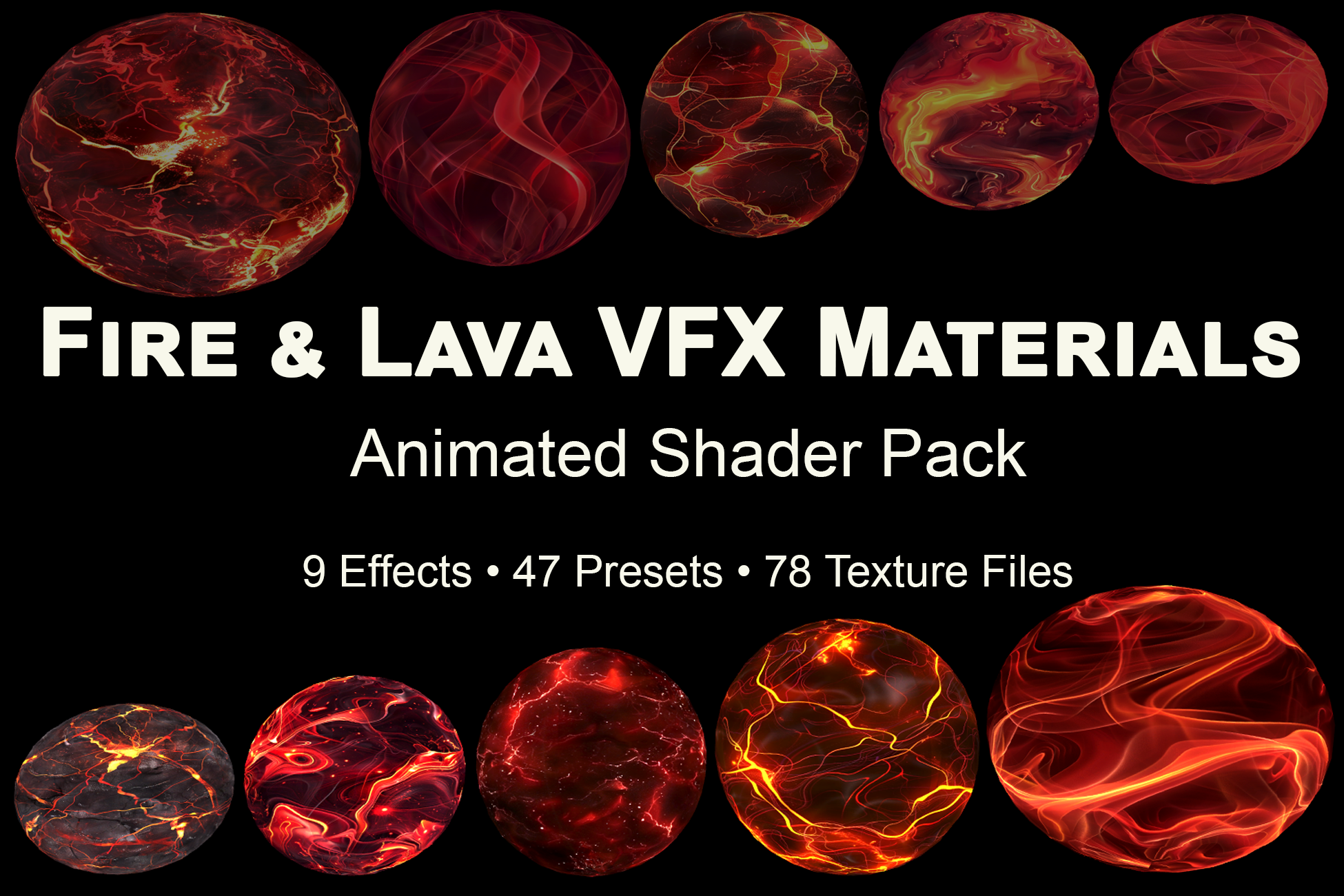
Fire and Lava VFX Materials preview

Fire & Lava VFX Materials

Animated stylized fire and lava materials for game scenes and VFX surfaces.

Shader PackFire / Lava
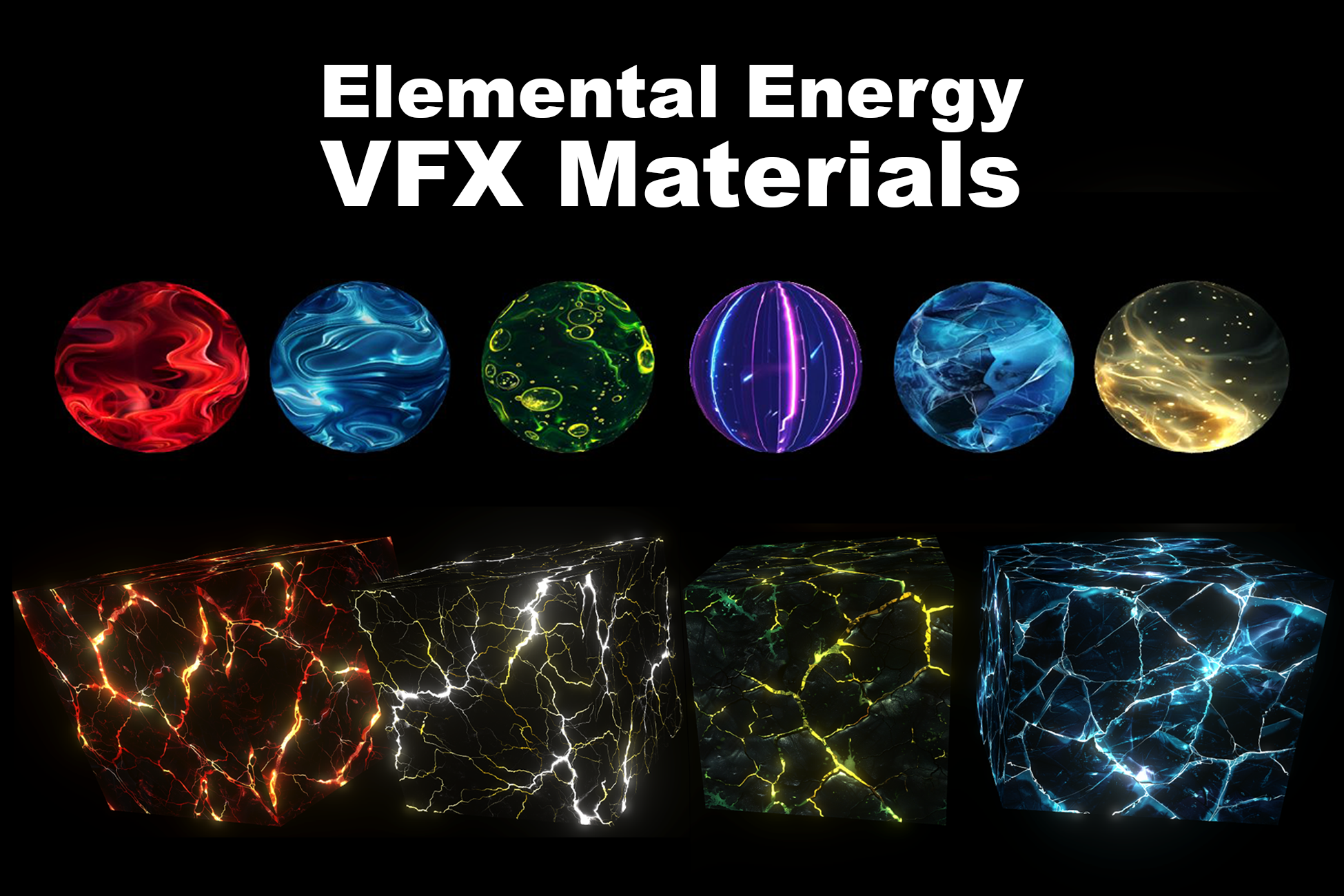
Elemental Energy VFX Materials preview

Elemental Energy VFX Materials

Animated energy materials with flow, dual flow, wave, pulse, glow and distortion.

Modular PackEnergy VFX
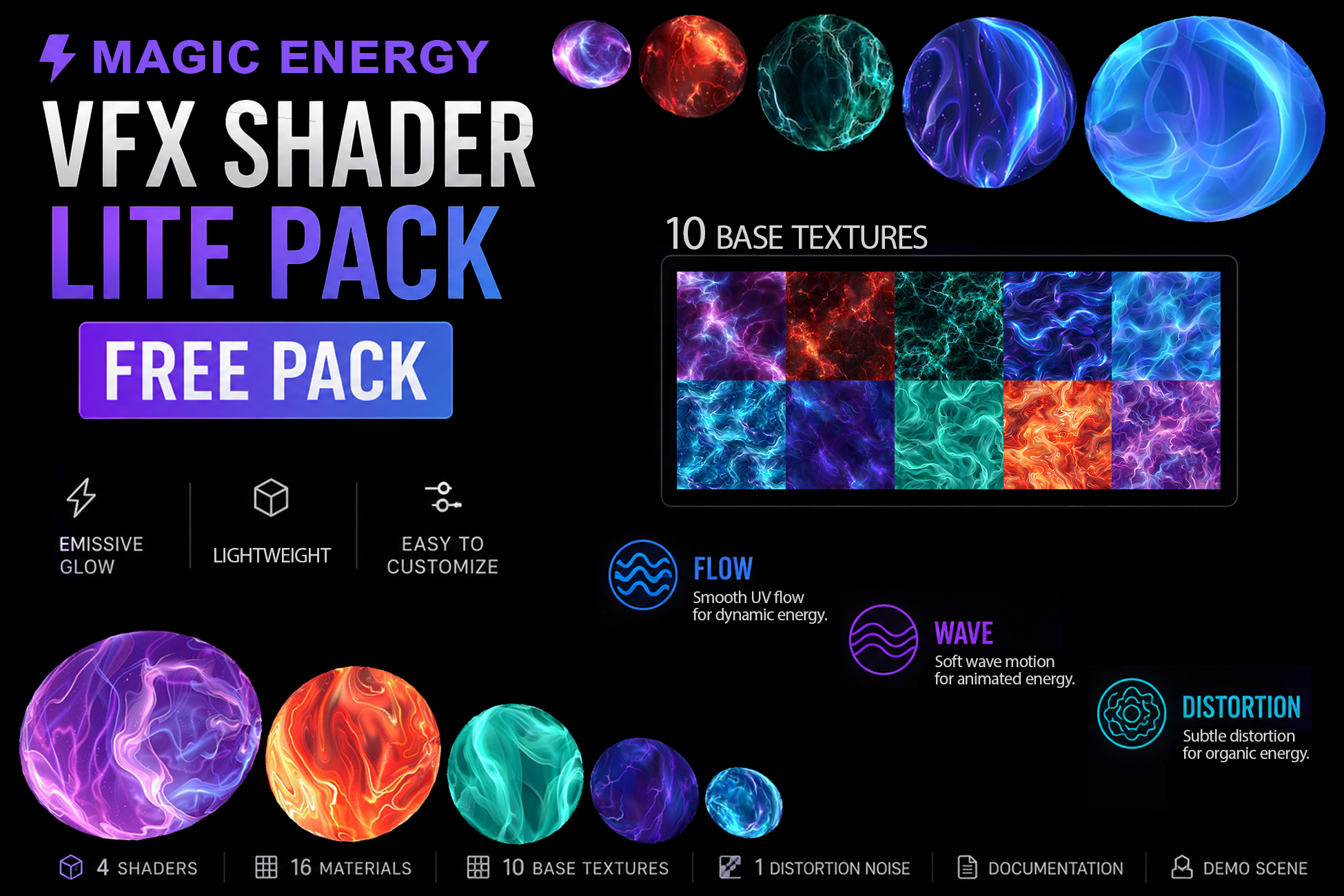
Magic Energy VFX Shader Lite Pack preview

Magic Energy VFX Shader Lite

A free lightweight pack with Flow, Wave and Distortion Lite effects.

Free PackStarter
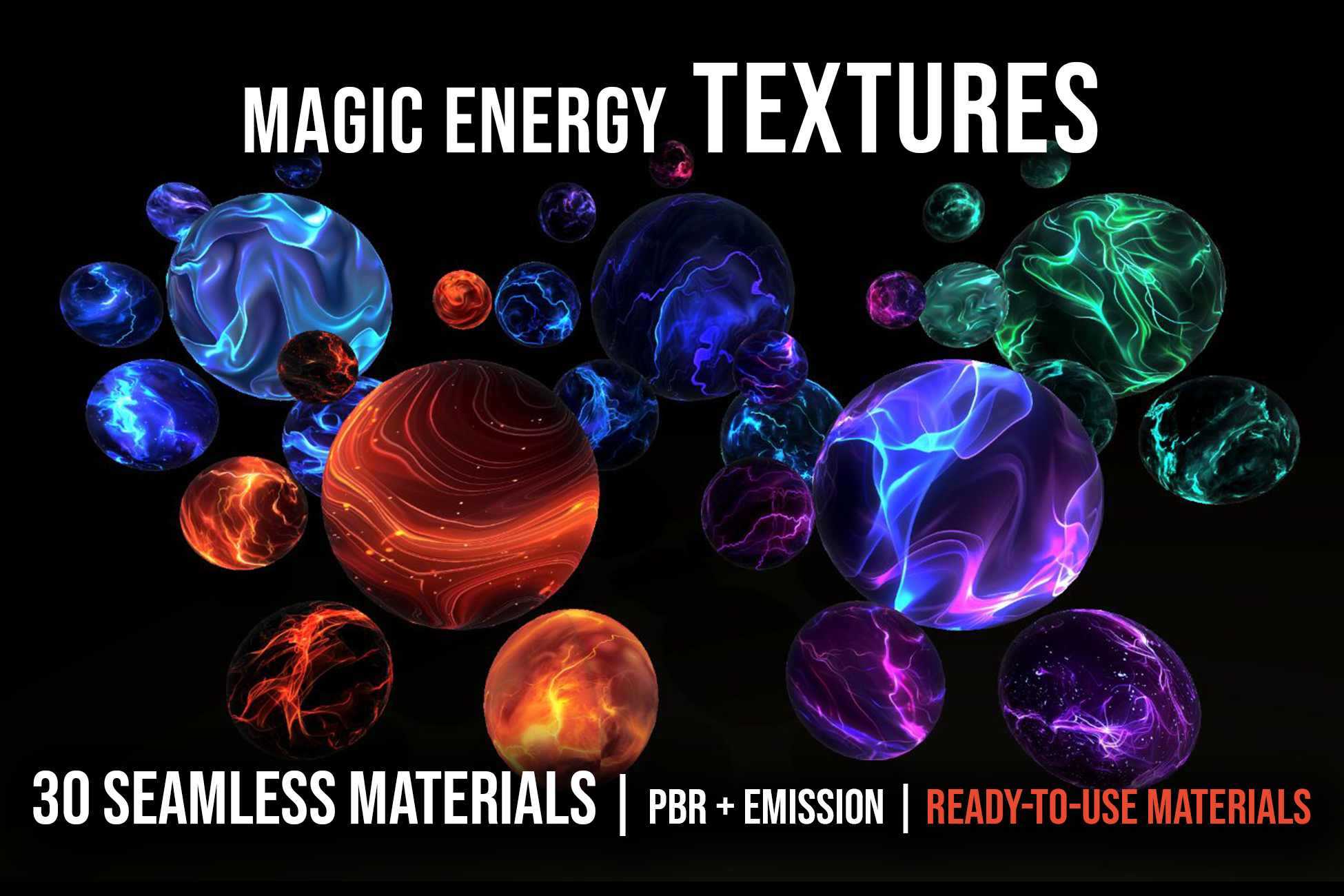
Magic Energy Materials Pack preview

Magic Energy Materials Pack

30 seamless stylized energy materials with PBR and emission maps.

30 MaterialsPBR + Emission
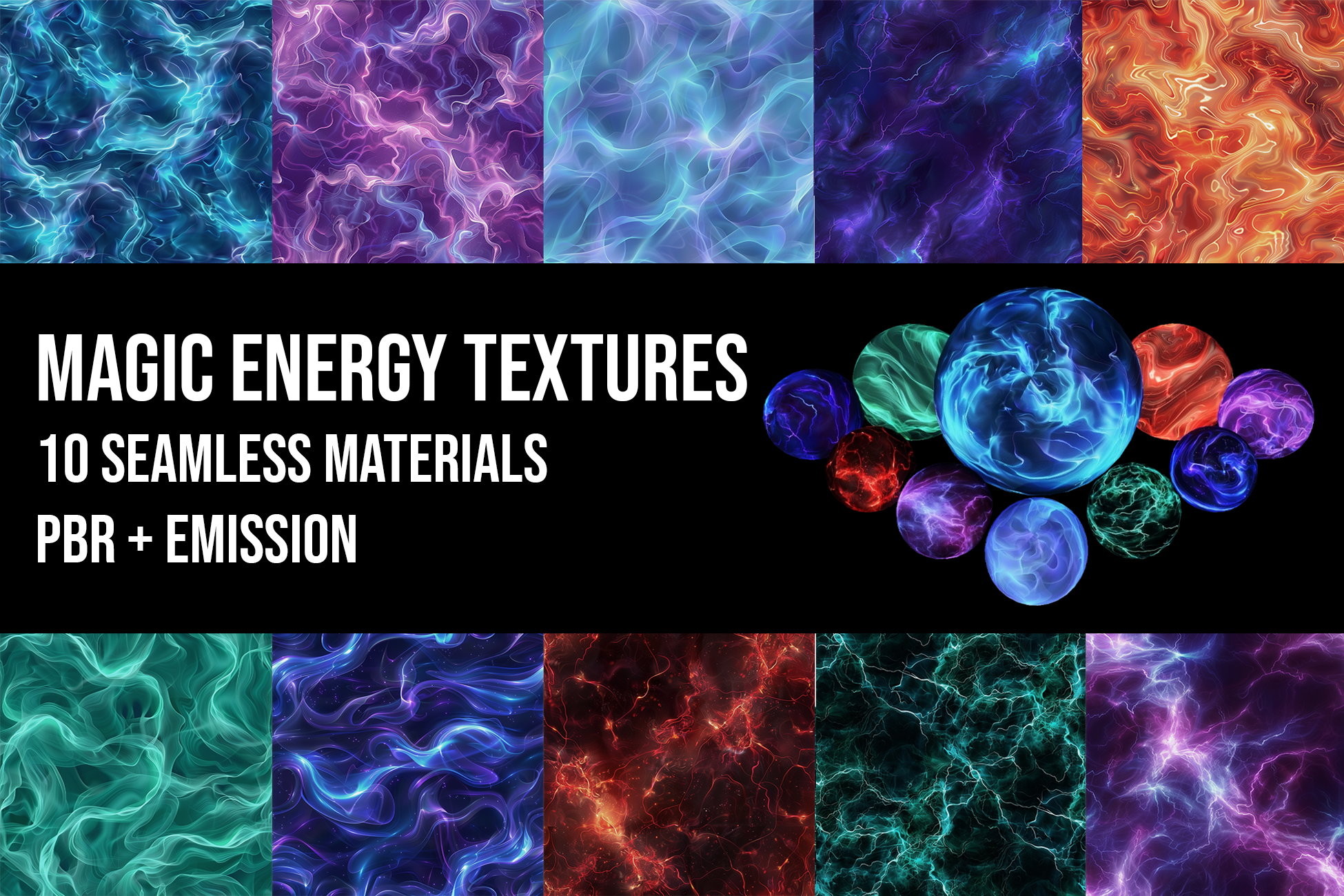
Magic Energy Textures Free Pack preview

Magic Energy Textures Pack

A free starter collection of seamless PBR energy materials and emission-ready maps.

Free Pack10 Materials
One design language

Unity and Unreal

The same mechanic, parameter logic and documentation structure—implemented for each engine rather than loosely imitated.

Unity URP

Sub Graphs + example materials

Reusable Shader Graph components, practical materials and demonstrations built around explicit coordinate and time inputs.

Unreal Engine

Material Functions + instances

Matching Material Functions and examples designed to preserve the same contracts and expected behavior across engines.

Studio

Tools before spectacle.

G-Spot Lab is an independent shader asset studio focused on modular architecture, clear contracts and reusable mechanics for real production workflows.

Visual examples matter—but they exist to prove the tool, explain its behavior and help developers start quickly.

What every toolkit aims for
01
One mechanic with a precise, documented scope
02
Consistent names, units and parameter behavior
03
Composition with the wider Toolkit Library
04
Ready-to-use materials beside build-your-own components
Documentation & support

Understand what you connect.

Documentation covers contracts, defaults, units, order-dependent composition and practical examples—not only a list of exposed parameters.

◇

Clear contracts

Inputs, outputs, defaults, units and boundaries for every public building block.

⇄

Composition notes

How sequence, parallel branches and blending change the final behavior.